
About the Service
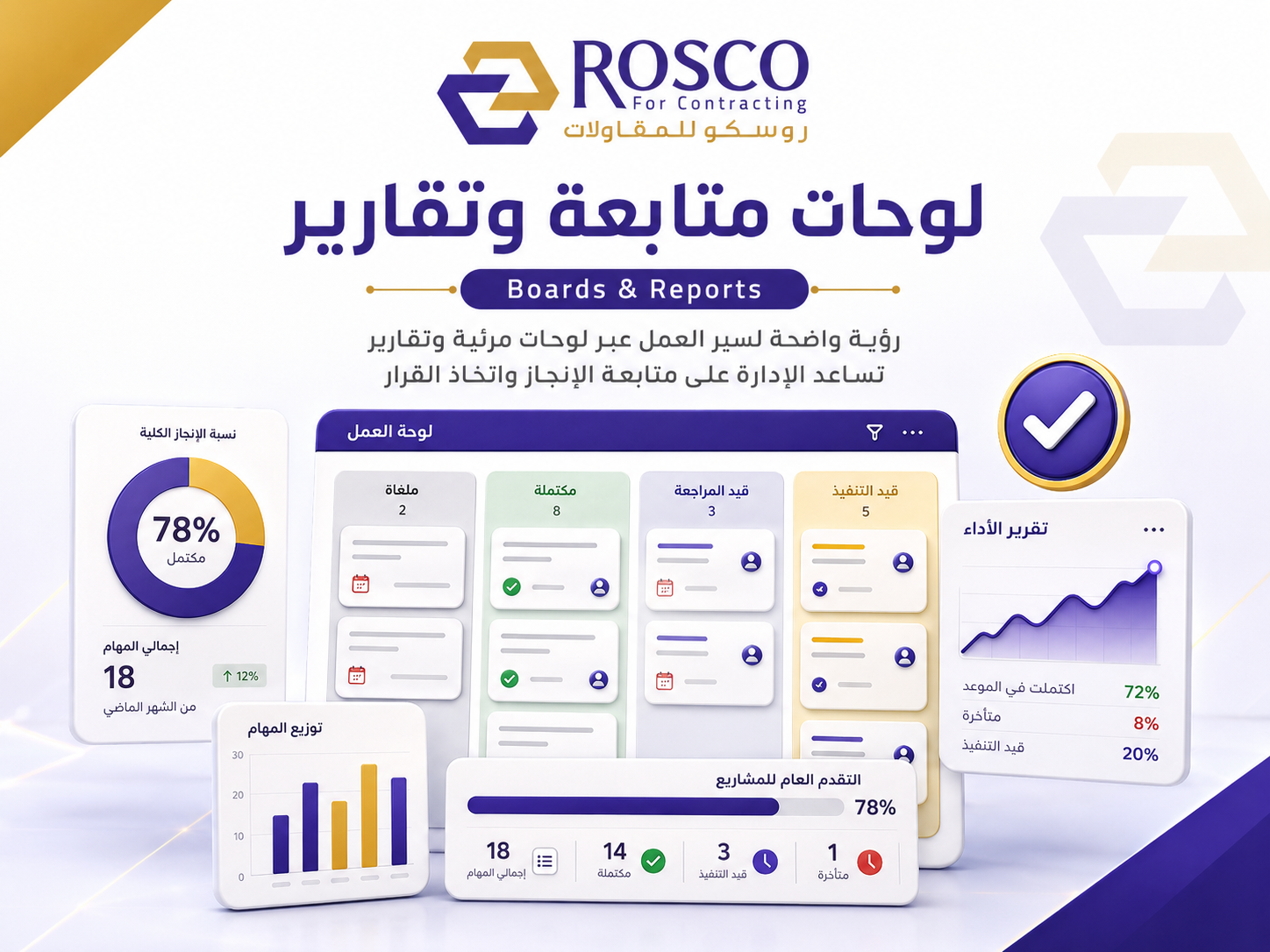
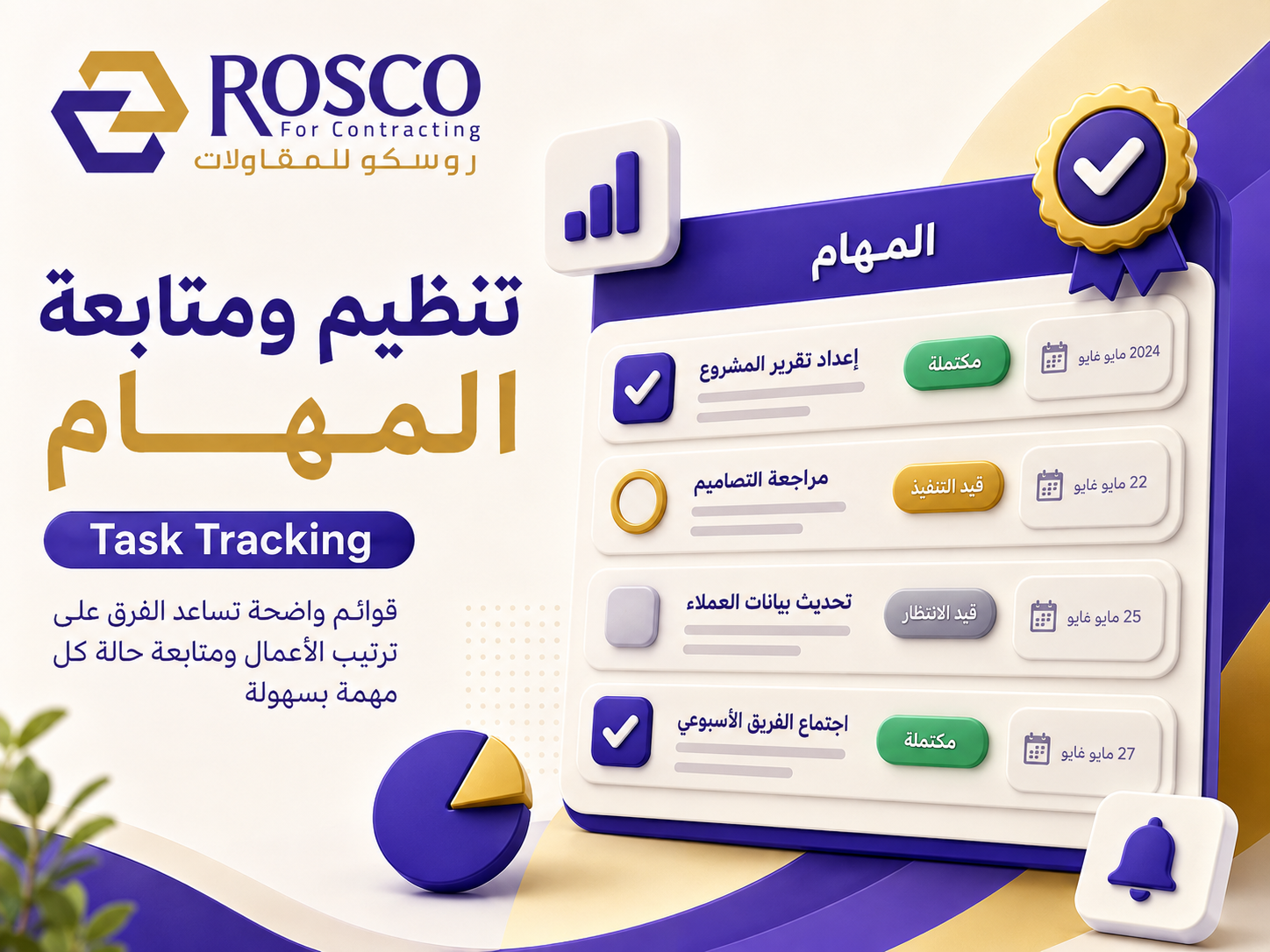
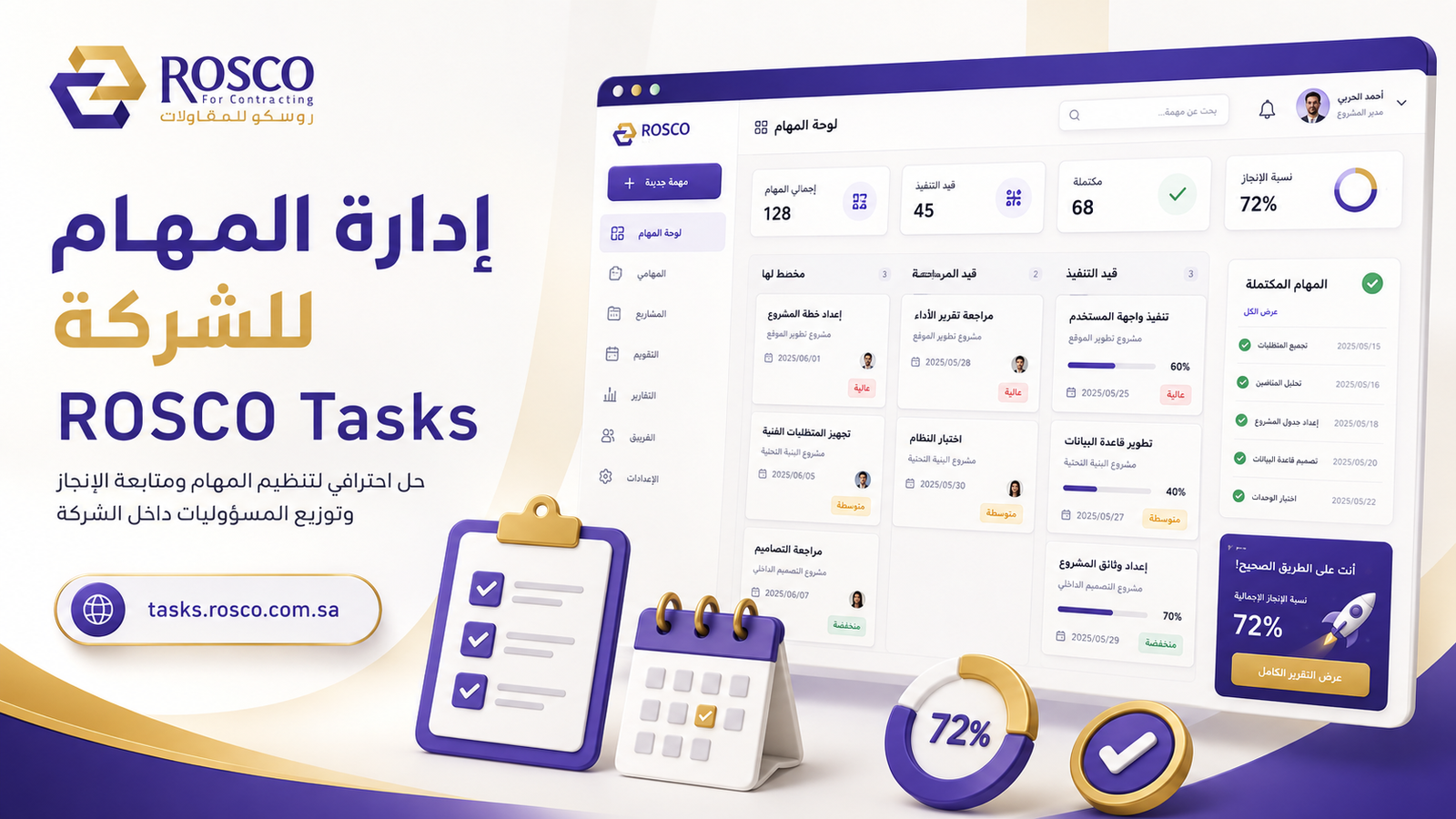
Employee Todo provides a unified digital workspace that helps employees and teams manage their daily work in a more organized and transparent way. Employees can create personal tasks, record plans, ideas, notes and memos, update task status, and keep track of completed work.
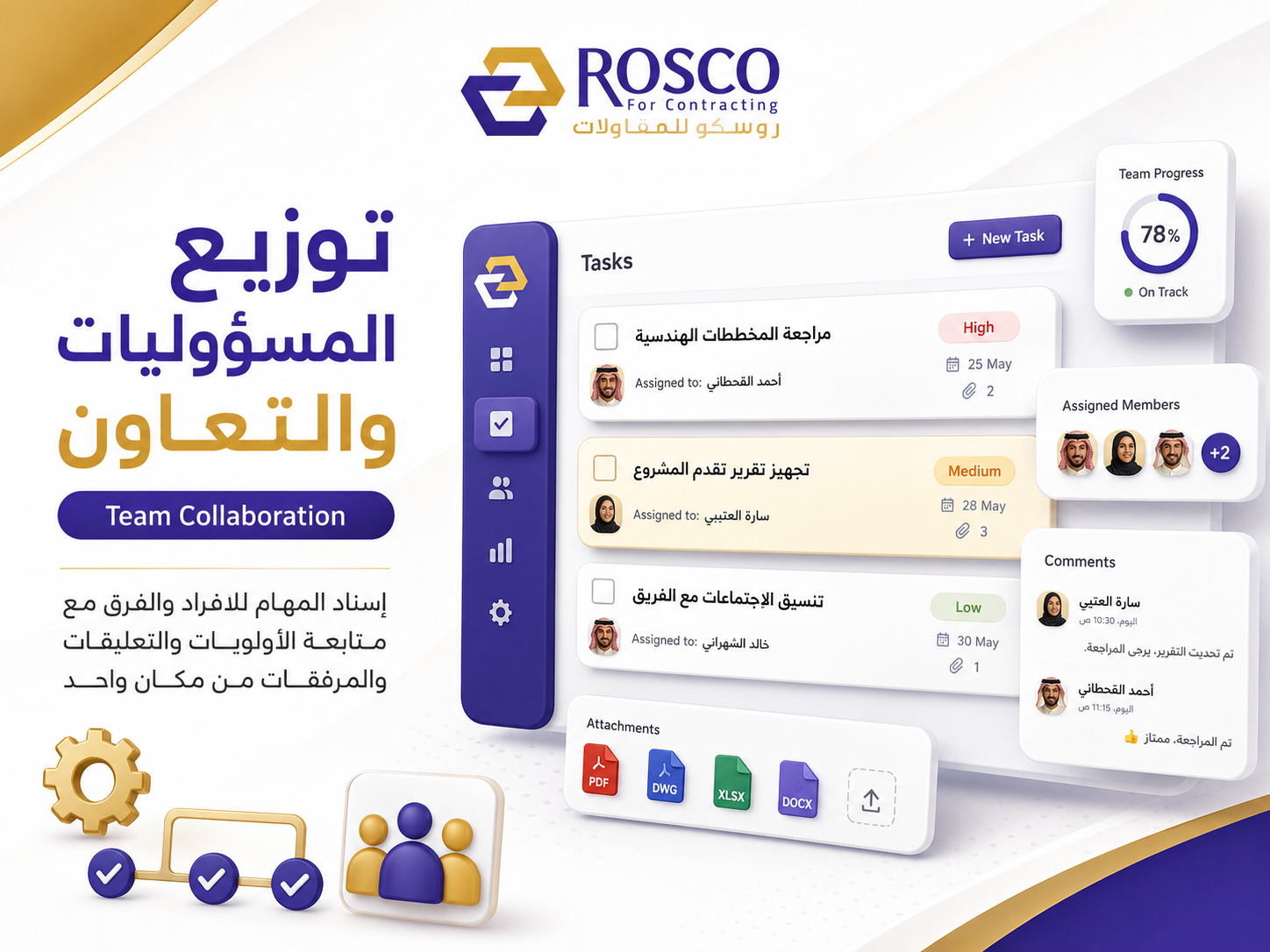
The service supports collaboration by allowing employees to share tasks and notes with colleagues, helping teams coordinate activities and exchange information related to their work and projects. Built-in chat and conversations also make communication easier without requiring users to switch between multiple tools.
The service is designed to help employees stay focused, organize priorities, preserve important information, and improve collaboration across ROSCO teams.
The service supports collaboration by allowing employees to share tasks and notes with colleagues, helping teams coordinate activities and exchange information related to their work and projects. Built-in chat and conversations also make communication easier without requiring users to switch between multiple tools.
The service is designed to help employees stay focused, organize priorities, preserve important information, and improve collaboration across ROSCO teams.
What the Service Provides
✓
Task Management
Create, organize, prioritize, and track tasks.
✓
Notes & Memos
Capture and organize notes, ideas, and memos for future reference.
✓
Chat & Conversations
Communicate with colleagues through built-in chat and conversations.
Requirements
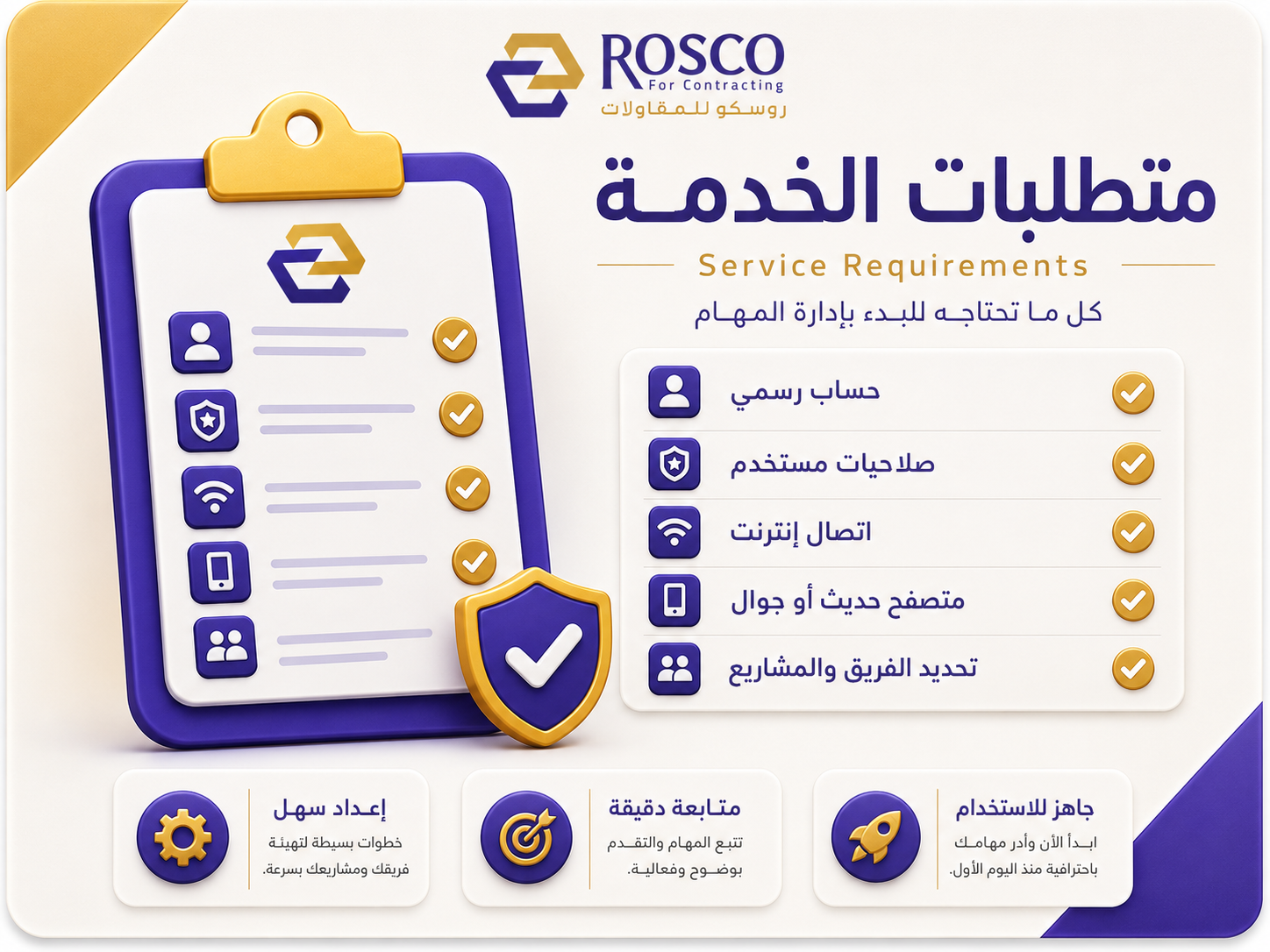
- The user must be an authorized ROSCO employee.
- A valid service user account is required.
- A modern web browser and a stable internet connection are required.
How to Use
- 1Create a Task or Note
Create a new task, note, or memo and enter the required information.
- 2Organize & Track
Organize tasks, set priorities, and track the status of your work.
- 3Chat & Communicate
Use conversations to communicate with colleagues and discuss task-related work.
Frequently Asked Questions
Does the service support employee chat ?
Yes. The service includes chat and conversations to facilitate communication between employees and teams.
What should I do if I experience an issue ?
Contact the IT team with a description of the issue and include a screenshot where possible